
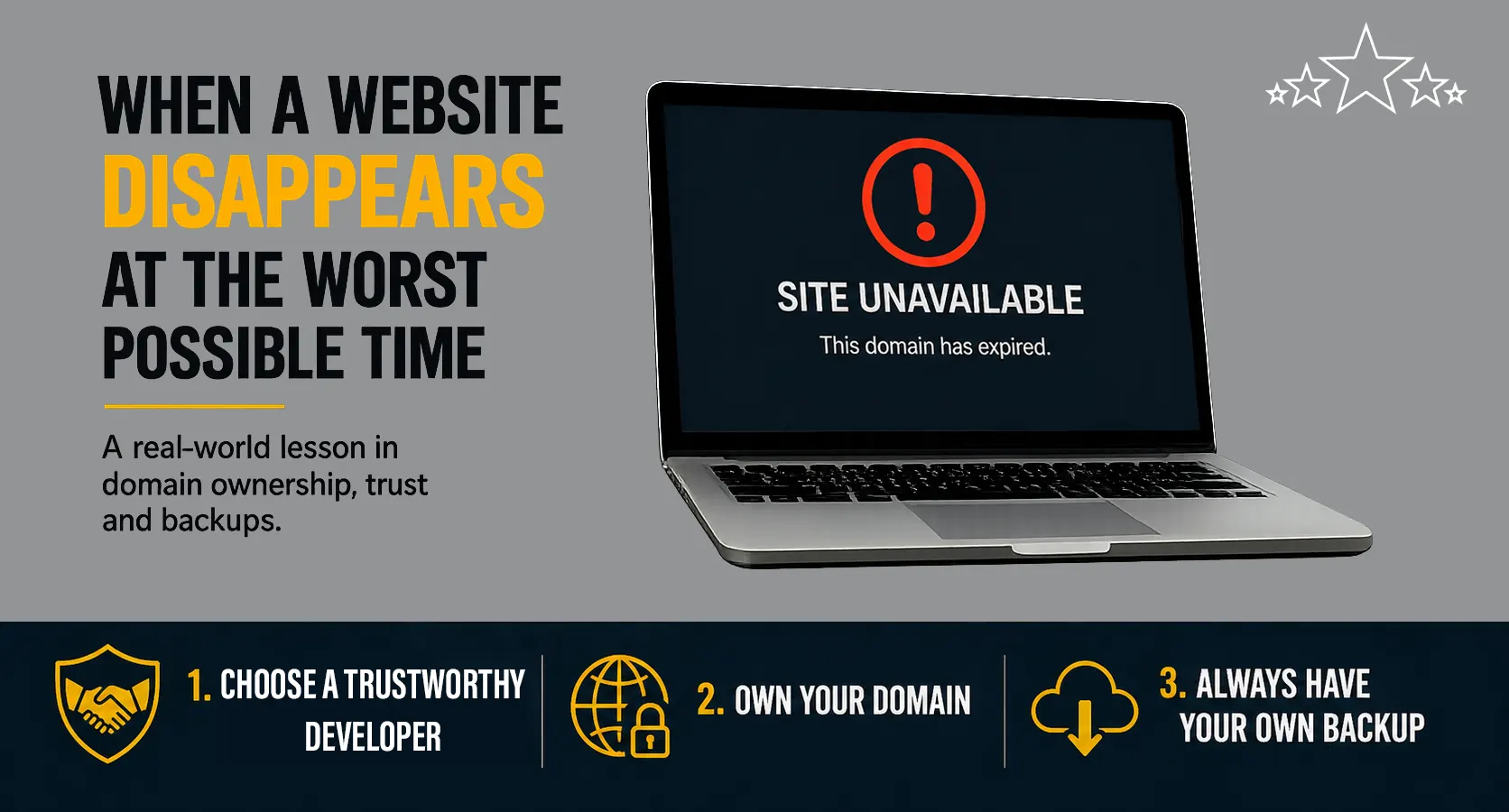
Recently, I was contacted by a client whose website had suddenly gone offline.
This wasn’t just an inconvenience — it happened while they were attending a trade show, where potential customers were actively trying to look them up. Instead of finding their business online, they were met with nothing.
“But We Paid for Five Years…”
At first, it looked like a typical hosting issue.
But after a bit of investigation, the real problem became clear: their domain name had expired.
The confusing part was that they were certain it had been paid up for several years in advance.
The issue was that the domain hadn’t been registered in their name and they didn’t even know who controlled it.
It had originally been set up by a previous web developer — or more accurately, an associate of that developer. The ownership and account details were unclear, and there was no direct access for the business owner.
When the domain expired, renewal notices weren’t going to them. They were going somewhere else entirely.
No Access, No Response
They tried contacting the original developer to sort it out.
No response.
At this point:
- The domain had expired
- The website was offline
- They had no way to renew it themselves
And with a trade show underway, time mattered.
A Temporary Workaround
While working to resolve the domain issue, the priority was to get something back online as quickly as possible.
Using a local hosts file, I pointed the expired domain to the live hosting server. Fortunately the website hosting was still active. That allowed me to regain access to the website’s admin area and create a full backup.
From there:
- I cloned the website to our own Stellar Web Works hosting service
- I registered a new domain name (a variation on their existing one)
- I pointed the new domain to the cloned website
This meant they at least had a working website they could direct people to during the event.
Regaining Control
At the same time, I continued working through the proper channels to resolve the original issue.
After identifying the domain registrar, I got in touch with their support team. As expected, they needed clear evidence before making any changes — domain ownership isn’t something they take lightly.
With much back and forth and a lot of persistence, we were eventually able to regain access to the original domain and renew it.
The original website was restored shortly after.
What This Highlights
This situation isn’t unusual. It happens more often than people realise, especially when websites have been set up years ago and key details aren’t clearly documented.
There are two simple takeaways:
1. Choose a Developer you can Trust
Most developers act in good faith, but your website is a critical business asset. So do some research before choosing a web developer – where are they located, are they local, have they got genuine reviews…
You should always know:
- Who has access to your domain and hosting
- Where things are registered and in who’s name
- That the person or company in charge of your website is dependable and responsive
2. You Should Control Your Domain Name
Your domain name is your online identity.
Ideally:
- It should be registered in your name (or your business name)
- You should have direct access to the registrar account
- Renewal notices should go directly to you or your staff
Even if someone manages it on your behalf, you should still have visibility and control.
3. Always Have Your Own Backup
In this case, being able to create a backup and quickly redeploy the site made a big difference. But it could have been worse – the web hosting could have completely disappeared as well and the site owner would be left with nothing!
You should always keep your own website backup as an insurance policy against worst case scenario. Don’t rely solely on your web hosting provider or your web developer.
At a minimum, you should know that backups are being taken regularly — and ideally, have access to them yourself. Backups should be stored in more than one place — for example, your hosting provider’s backups along with separate website backups saved off-server, so you’re not relying on a single point of failure.
A Simple Check You Can Do
If you’re unsure about your setup, it’s worth checking:
- Do you know where your domain is registered?
- Can you log in and manage it yourself?
- Are renewal notices going to your email address?
- Check the details in the public domain name records.
– For NZ domains, check dnc.org.nz
– For other domains, check research.domaintools.com
If the details are not as expected, make sure you sort it out before it becomes a problem.
Need a Hand?
If you’re unsure who controls your domain, or want help making sure everything is set up properly and under your control, feel free to get in touch.
It’s usually straightforward to fix — and a lot easier to deal with before your website disappears at the worst possible time.