
I’ve been building custom WordPress websites since 2007.
Over the years, WordPress has evolved enormously, and there are now countless themes, page builders, plugins, and “all-in-one” solutions available. While these tools are widely used by some web agencies, my own approach has moved in the opposite direction: keeping things lean, simple, maintainable, and easy for clients to use.
The longer I work with WordPress, the more I value simplicity.
Why I Build My Own Themes
I build my own WordPress themes rather than relying on off-the-shelf themes or page builders. There are a few reasons for this.
Firstly, custom-built themes allow me to create websites that are lightweight and focused purely on what the client actually needs. There’s no unnecessary functionality, no bundled features that will never be used, and no dependency on large third-party theme ecosystems.
Secondly, it creates a much cleaner editing experience for the client.
Many commercial themes and page builders overwhelm users with settings, options, and editing controls that they simply don’t need. What starts out looking flexible often becomes cumbersome and confusing over time.
My goal is to make websites straightforward to manage.
Native Editor Instead of Page Builders
Page builders have become extremely common in the WordPress world, but I avoid them unless I’m working on websites built by other developers (then when I use them, I curse them).
The problems I see with page builders:
- Added complexity for the end user
- Heavier front-end code
- More plugins and dependencies
- Increased maintenance requirements
- Greater risk of problems after updates
In many cases, clients don’t actually need the level of editing freedom that page builders provide. They need a website that works well and allows them to easily update content without accidentally breaking layouts or changing site structure.
Page builders are primarily are designed for web designers who prefer to learn to use these tools rather than write code. They gain familiarity with the tools and can build nice websites with them, but, these tools are not ideal for the typical website owners who just need to make simple edits, rather than redesign a whole web page layout.
I prefer to define the site structure properly during development, then give clients a clean and intuitive editing experience within those boundaries.
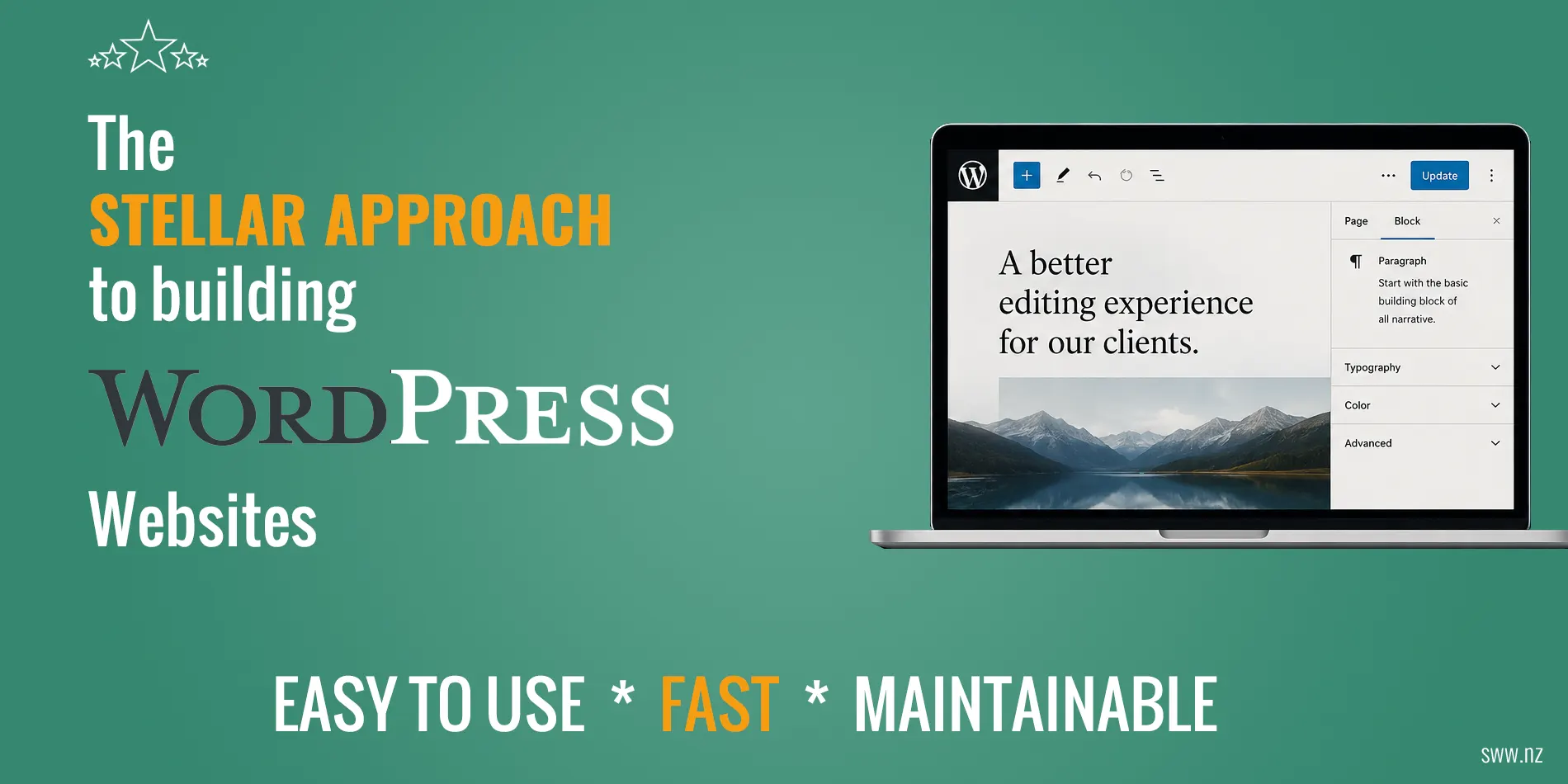
The native WordPress block editor (a.k.a. Gutenberg) has steadily evolved since it replaced the classic editor in 2018, and now provides a much easier to use and faster editing experience than even the best page builders.
Hybrid Themes Instead of Full Site Editing
These days, the themes I build are hybrid block themes. That means they incorporate modern WordPress block editor functionality while still retaining some traditional theme structure where it makes sense.
My main reason for sticking with hybrid themes instead of full block themes is to avoid presenting the Full Site Editing (FSE) experience for my clients. In my experience, most clients simply do not need the ability to redesign headers, templates, navigation systems, and global site structure themselves. Adding those capabilities often introduces unnecessary complexity and increases the chance of accidental changes.
Another area where I strongly prefer the hybrid approach is menu management. Classic WordPress menu editing remains far more intuitive and user-friendly than managing menus inside the Full Site Editor.
Hybrid themes provide the benefits of modern WordPress without exposing clients to tools and editing systems they are unlikely to need.
Keeping the Editing Experience Simple
One of my main priorities is creating a clean editing experience for clients.
A business owner should not need to learn a complex visual builder system just to update some text or add a new page.
I try to remove unnecessary options and keep the editing environment focused and uncluttered. The goal is to make common tasks easy while avoiding the confusion that can come from too many settings and controls.
Where additional functionality is needed, I often build custom Gutenberg blocks tailored specifically to the project.
For example, I sometimes use the excellent Lazy Blocks plugin to create custom content blocks with intuitive editing interfaces. I’ve covered an example in a previous blog post where I combine the power of Lazy Blocks with Swiper.js to create custom sliders, while keeping the editing experience simple and integrated directly into the native WordPress editor.
This allows me to tailor flexible functionality exactly to the needs of the website and avoid adding extra plugins.
Fewer Plugins, Better Long-Term Maintainability
I strongly believe that fewer plugins generally leads to a more stable and maintainable website.
If a feature can be added cleanly within the theme itself, I will often do that rather than installing another plugin.
For example, something as simple as duplicate page/post functionality can easily be added with a small amount of custom code rather than introducing another plugin that needs ongoing updates and maintenance.
When I do use plugins, I prefer well-established, widely used plugins with strong support and a long track record of ongoing development.
Some of the plugins I commonly use include:
- Wordfence for security
- Contact Form 7 and CFDB7 for forms and form submission storage
- BackWPup for backups
- Yoast SEO for search engine optimisation
- FluentSMTP (configured with Amazon SES) for reliable transactional email delivery
Depending on the project, I may also use plugins such as:
- WooCommerce for e-commerce
- Strong Testimonials for managing and displaying testimonials
- Meow Gallery and Meow Lightbox for photo gallaries
- Lazy Blocks for building custom blocks
The key is using only what is necessary, and choosing tools that are proven, stable, and actively maintained.
Performance Matters
Fast load times are important.
A slow website creates a poor user experience and can also negatively affect search engine rankings.
The lightweight way I build websites naturally helps with performance:
- Minimal plugin usage
- Lightweight front-end code
- Clean theme structure
- Reduced unnecessary scripts and styling
I also use caching, minification, and file combination where appropriate, either through caching plugins or server-level optimisation.
The goal is not just to achieve good performance scores, but to build websites that feel fast and responsive in real-world use.
Building for the Long Term
One of the biggest priorities in my approach is long-term maintainability. I try to avoid fragile setups that become difficult to manage a few years later.
This is one reason I generally avoid paid theme ecosystems and heavily dependent plugin stacks. Ongoing licence renewals, dependency chains, and abandoned products can create unnecessary maintenance burdens and lock clients into systems they may not fully control.
The best website is not the one with the most features — it’s the one that remains fast, usable, and maintainable five years later.
Hosting, Maintenance & Reliability
I provide reliable cloud-based hosting backed by a well-supported cloud management platform.
For clients who want ongoing support, I also offer quarterly maintenance plans that include updates, checks, and general maintenance tasks.
Before any website goes live, I work through a detailed launch checklist to ensure everything is functioning properly. This includes:
- Contact form testing
- Email delivery verification
- SEO titles and descriptions
- Backups
- Security configuration
- Performance optimisation
- Analytics and Search Console setup
- Error checking
Small details matter, and having a structured process helps ensure nothing is missed.
Ownership & Transparency
One thing I feel strongly about is transparency and client ownership. Clients should own their domains, have access to backups, and retain control over their websites. I make this clear in my proposals and project setup process.
Businesses should never feel locked into a developer or dependent on a single person having access to critical systems. This is something I touched on in a recent blog post about helping recover a client website after a domain ownership issue caused their website to disappear.
My approach is not about chasing trends or adding as many features as possible. It’s about building websites that are practical, fast, maintainable, and easy for clients to manage long after launch. A good website should support a business, not create unnecessary complexity around it.